
One-Time Off Network temporarily removes a card from network restrictions for the next transaction. Use this feature when a purchase must be made with a merchant outside the card’s normal network. After the transaction is completed, the card automatically returns to its original network settings. It is recommended that this feature be used for same-day transactions.
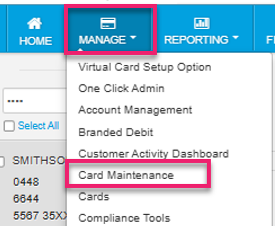
1. From the top navigation menu, select Manage and click Card Maintenance.
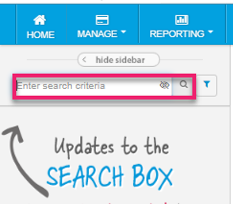
2. Use the search criteria field to locate the card. Select the cardholder record from the search results.
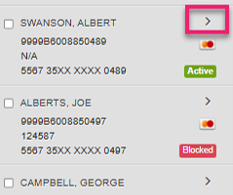
3. Click the arrow (>) next to the cardholder record to open the card details page.
4. On the card details page, scroll down to Network Restrictions and select Edit to modify card settings.

5. Update the required restriction settings and Save your changes.
