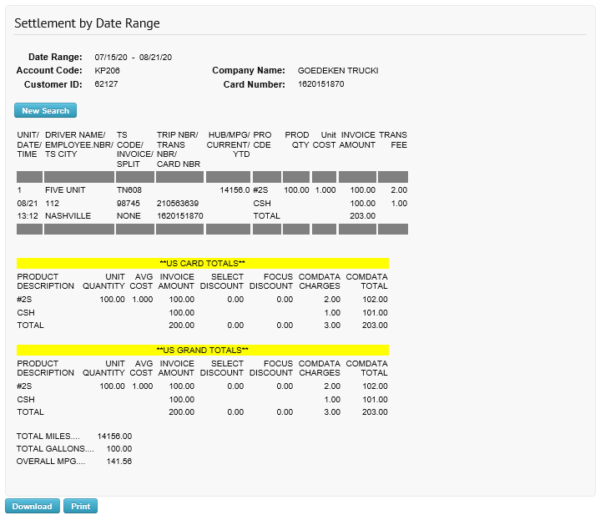
Settlement by Date Range lets you view transactions from the card level at Comdata Network locations.
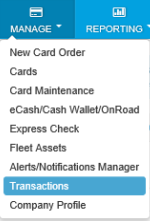
1. Access the Settlement by Date Range Transaction History page (Manage > Transactions).
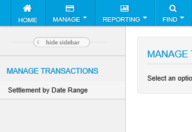
2. Select Settlement by Date Range.
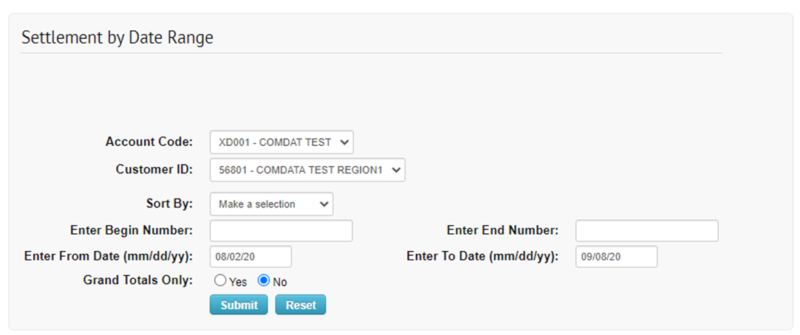
3. Complete each field on the Transaction History page, then select Submit.
Note: Click Download to save a PDF spreadsheet of your search results.
4. The Transaction History report displays based on the values you entered in the query.